Tagging App Users
Users of the Tagging App are set up and maintained in the Contractor Configuration App.
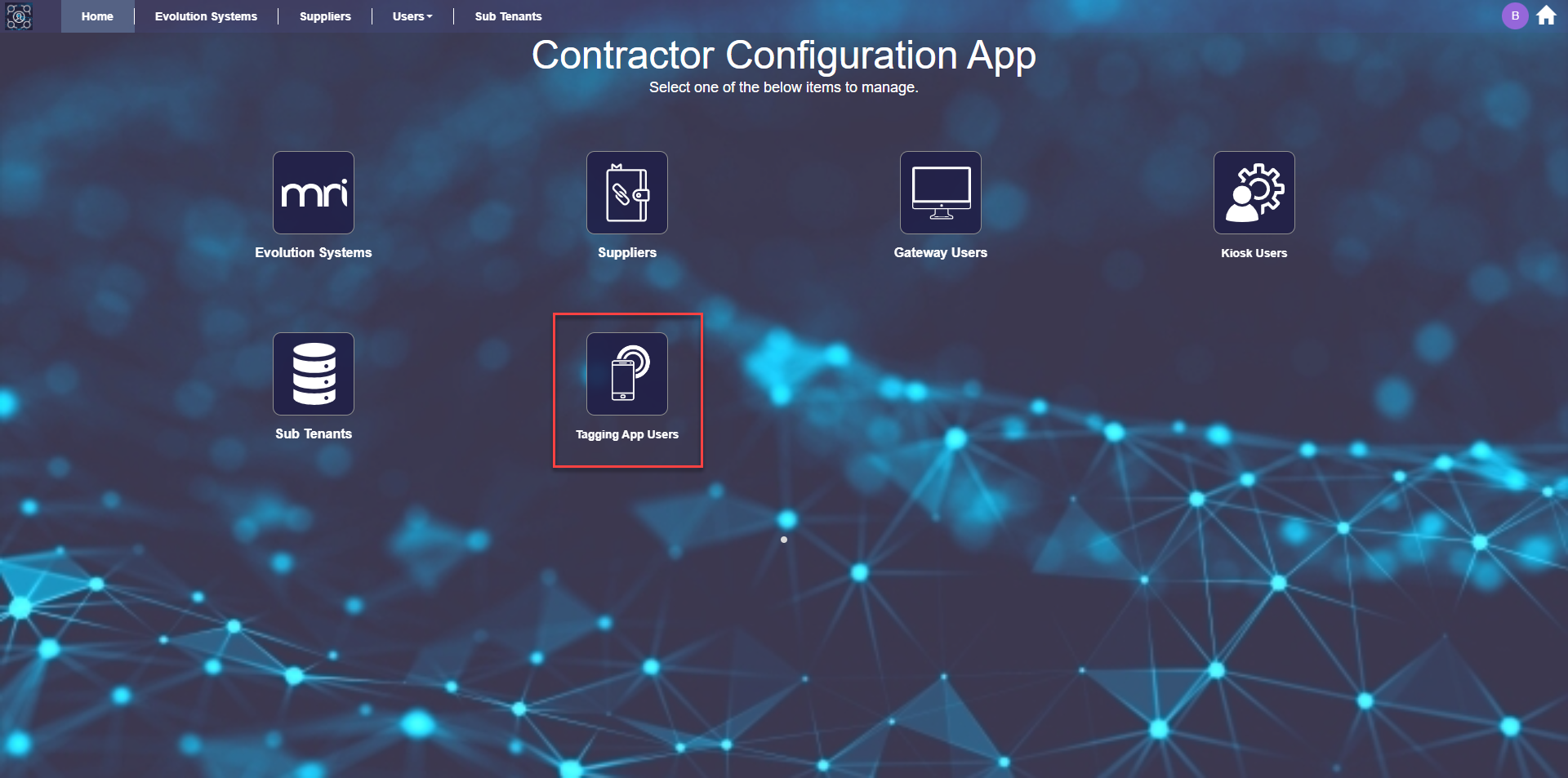
Click the Tagging App Users link, highlighted above, to open a grid of Tagging App users.
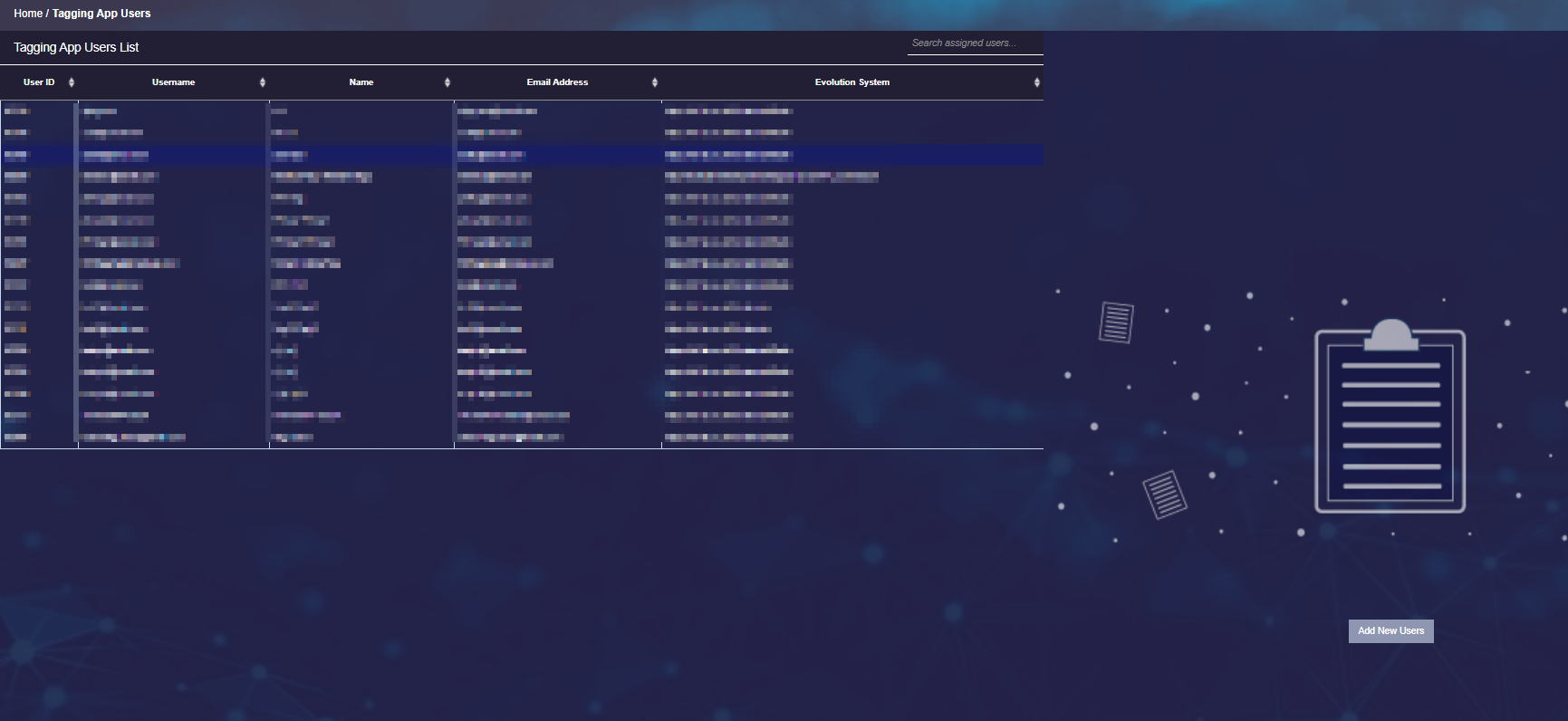
Adding New Users - Available from version 1.2
Clicking the  button will change the right side of the page to display empty User Details fields.
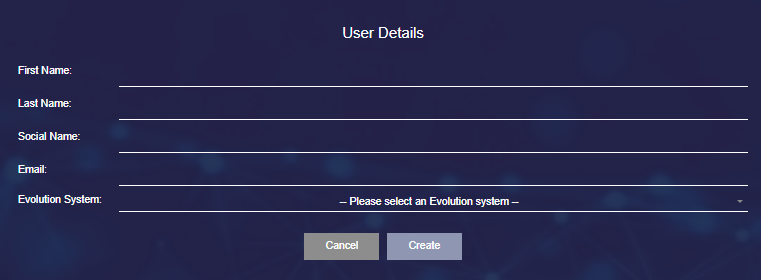
All fields are mandatory.
Enter the appropriate values and click the  button.
Tagging App users created via this method will:
- be constrained by the same user validation rules, such as unique email address
- receive the standard new user email instructing them to set their password for the app
- have the Tagging App automatically published to them
Updating Existing Users
Clicking on a record in the user grid will change the right side of the page to display the User Details fields.

Updating Users
The values in all fields can be updated but it is not advised to change the email address, since it is used as the Username to log in to the app.
Make the necessary field changes and click the  button to save the changes.
Deleting Users
Select the record from the grid of users and click the  button.
A delete user confirmation popup will appear, click Yes to delete.
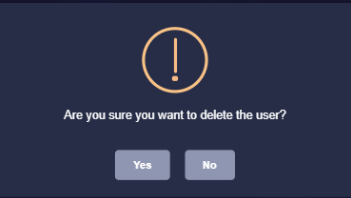
The focus will return to the grid of users, the deleted user will no longer be present.